 Gaugewell
Every gauge your device has. None behind a paywall.
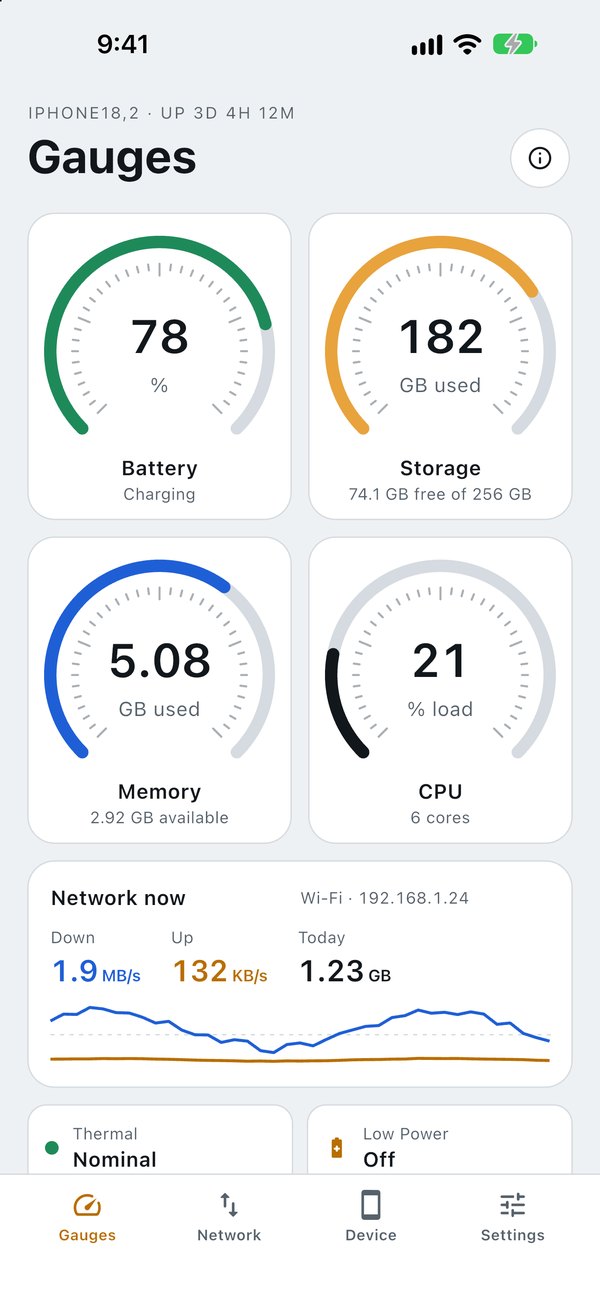
Battery, storage, memory, CPU and network speed in one honest panel, with Home and Lock Screen widgets that actually show up.
What you get, free
Battery
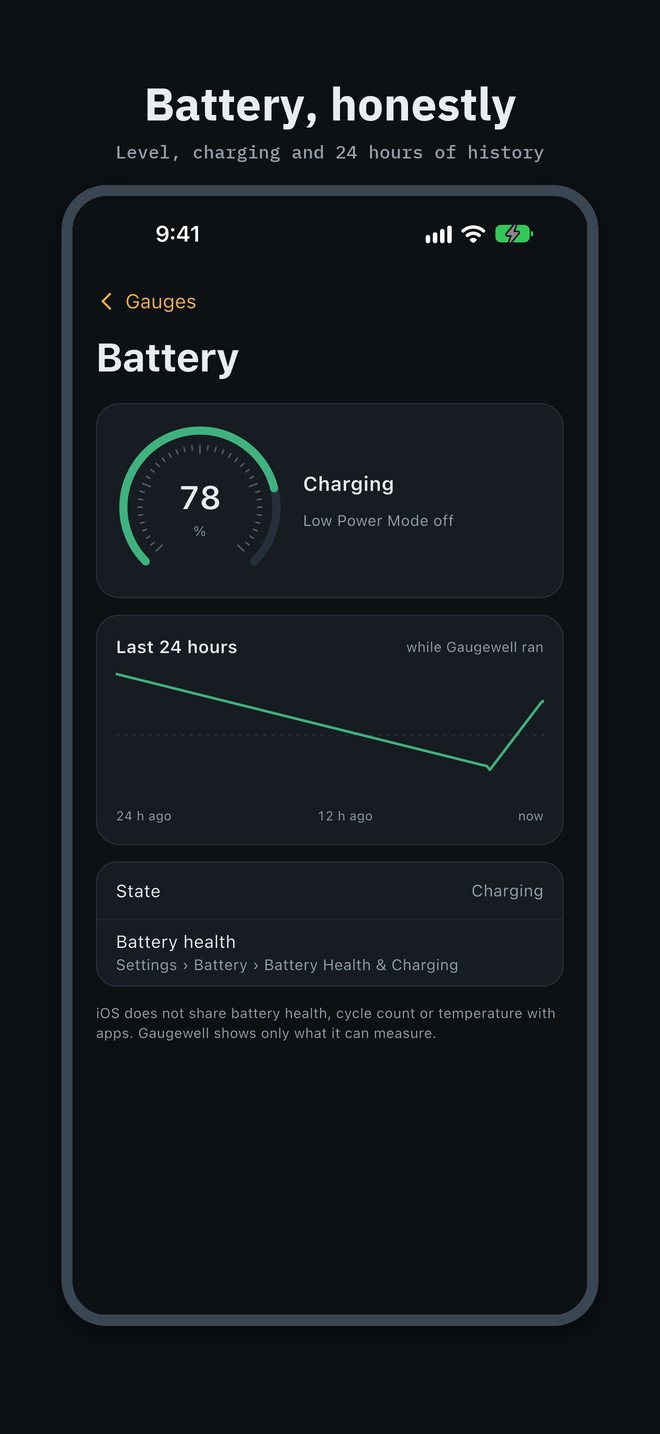
Level, charging state, Low Power Mode and a 24-hour chart.
Storage
Free space as Settings counts it, a 30-day trend and a low-space warning.
Memory & CPU
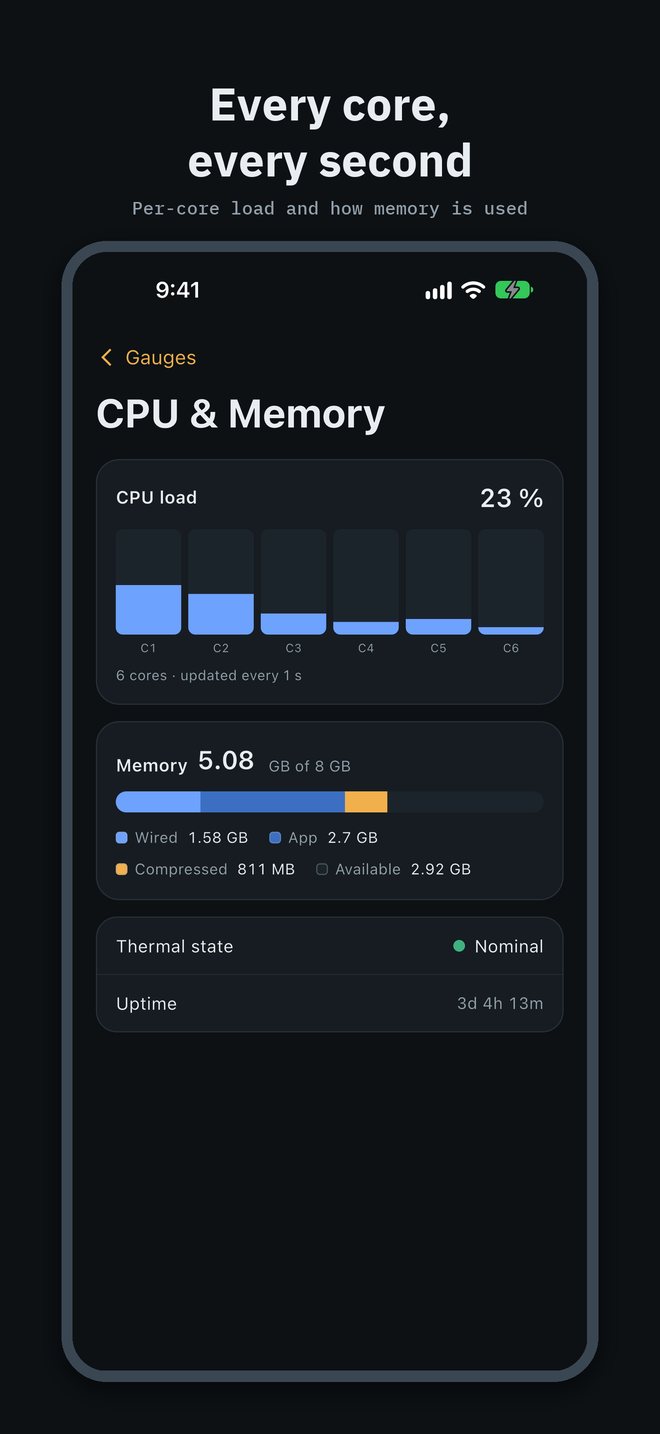
How your RAM is used and the load on every core, updated each second.
Network
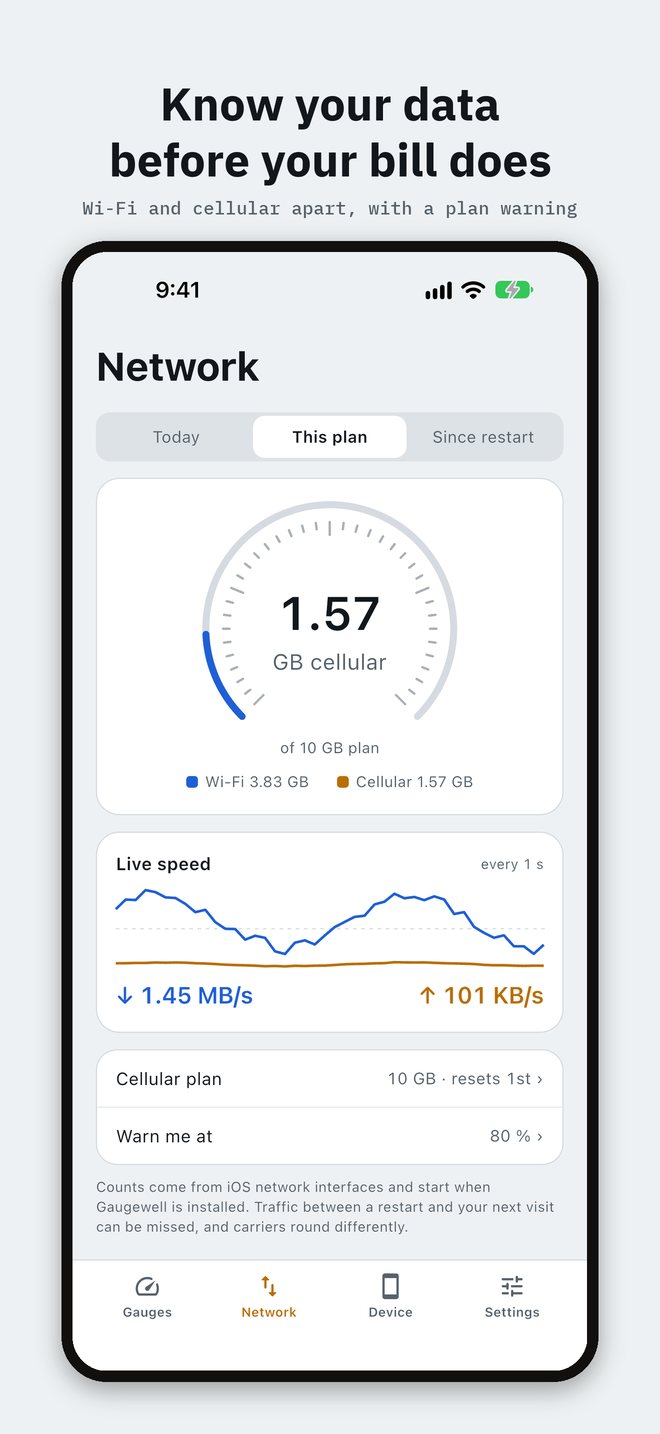
Live up and down speed, data used today and this month, Wi-Fi and cellular apart.
Data plan
Set your allowance and reset day; the dial turns orange at your warning point.
Widgets
Home Screen and Lock Screen dials for battery, free space and data.
See it in 30 seconds
Live dials, your data plan, battery history, every CPU core, dial themes and the Mac app, all in one short tour.
Honest numbers
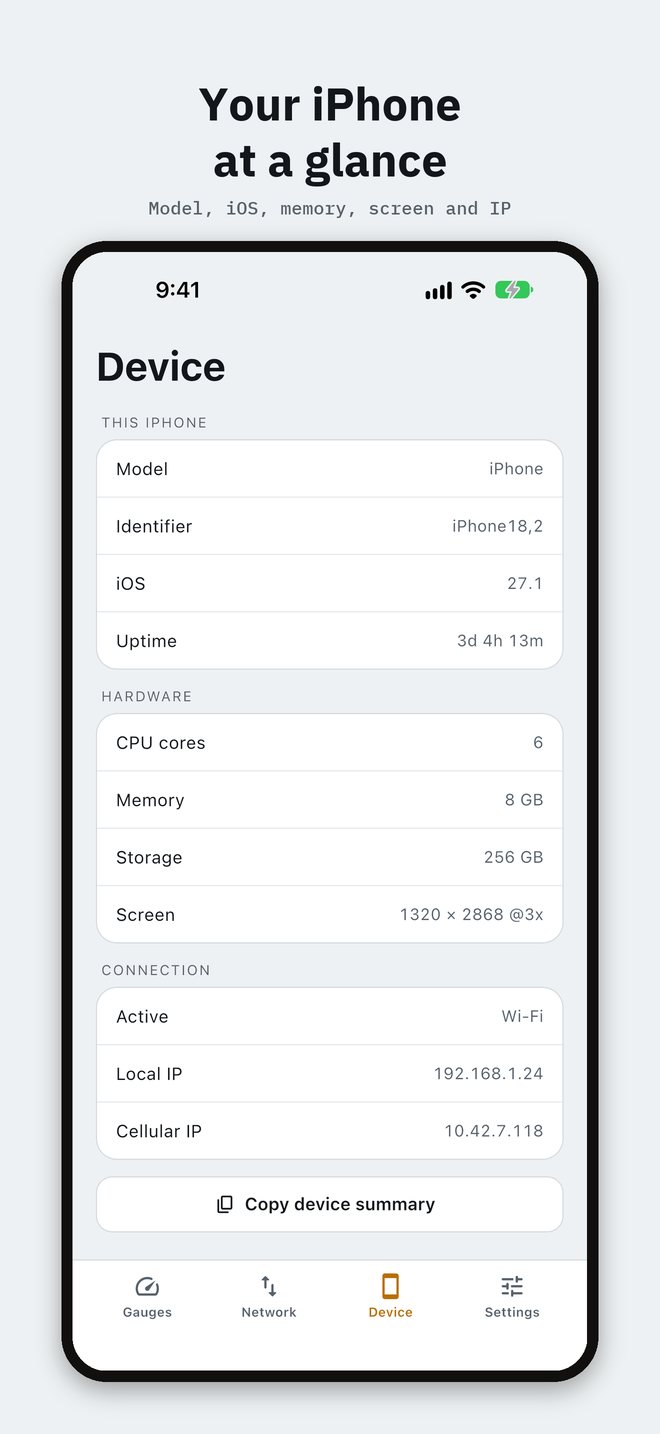
Storage matches the figure in Settings. RAM is the RAM you have: an 8 GB iPhone reads 8 GB. Where iOS keeps something private, like battery health or temperature, Gaugewell says so instead of guessing.
Readings stay on your device. There is no account and no analytics.
Light on ads
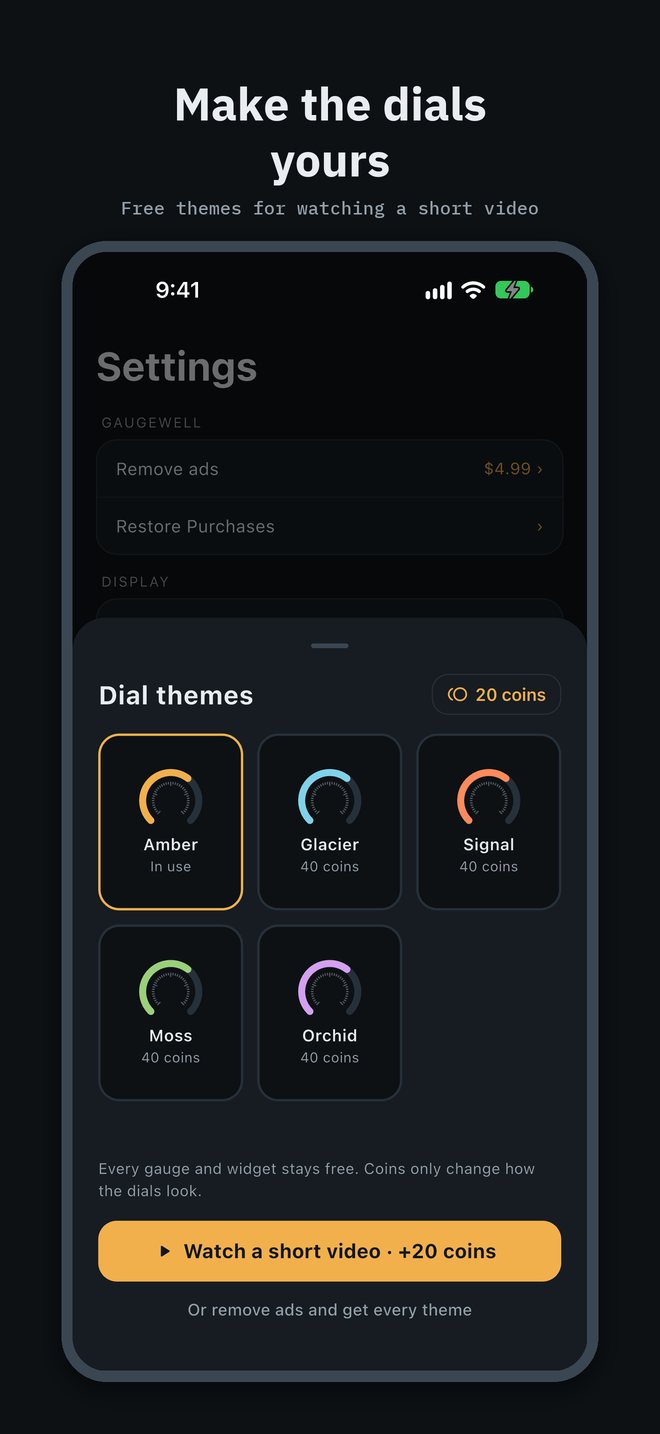
No banners. A rare full-screen ad between screens, and optional short videos that earn coins for new dial themes. One purchase removes ads for good and unlocks every theme.
On your Mac, too
Free
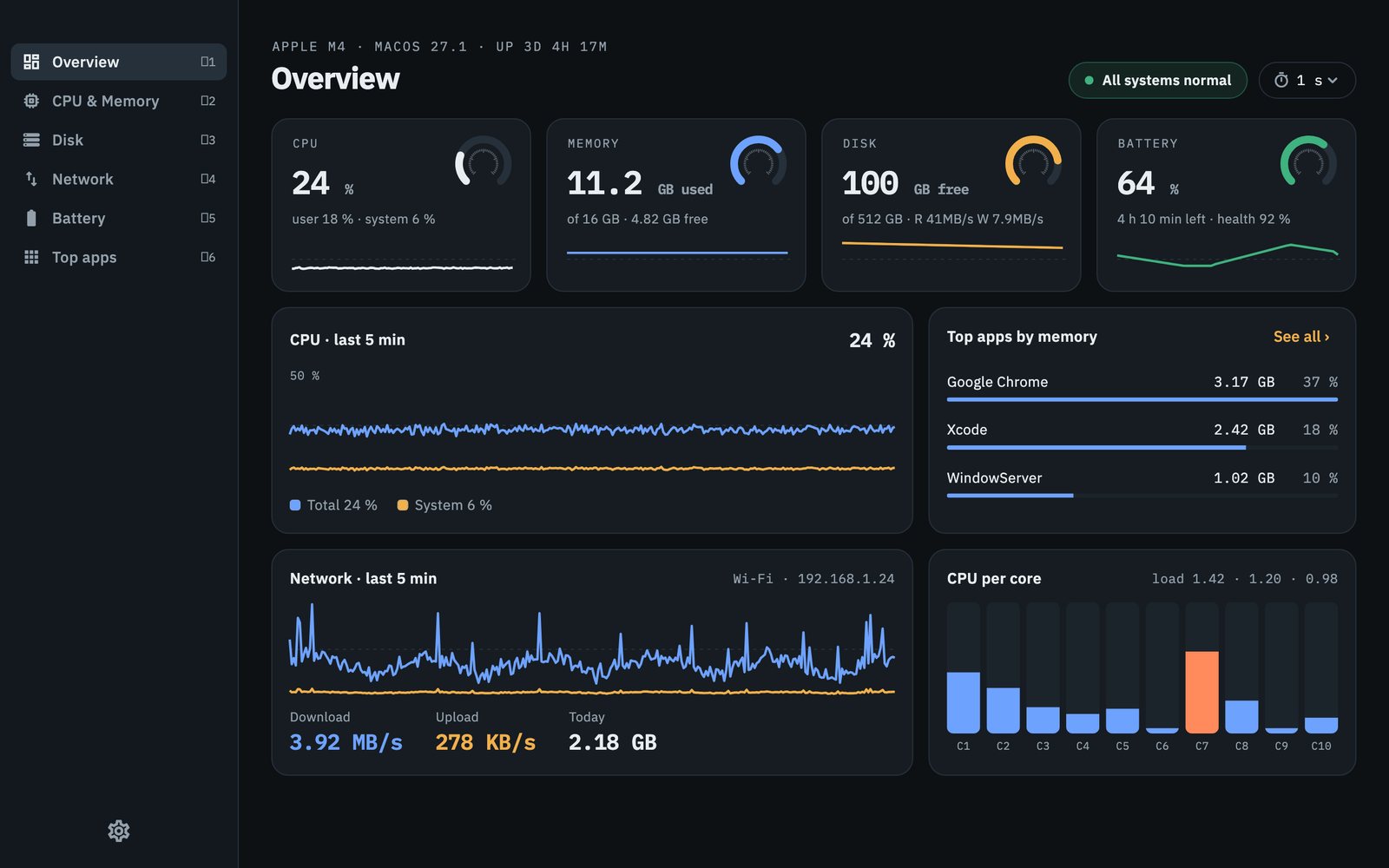
Every live gauge, per-core CPU, disk activity, network per interface, and real battery health and cycle count. 24 hours of history.
Pro · $4.99 once
Menu bar readouts, 30 days of history with CSV export, low-disk alerts and custom dial colours. Bought through the Mac App Store.
Questions
Is it really free?
Yes. Every gauge and widget on iPhone is free. There are rare full-screen ads and optional videos that earn coins for dial themes; a one-time purchase removes ads. On Mac, every live gauge is free and Pro is a one-time purchase.
Why no battery health on iPhone?
iOS does not share battery health, cycle count or temperature with apps. You can see health in Settings › Battery. On Mac, Gaugewell shows both.
Does my data leave the device?
No. Readings stay on your device. Gaugewell has no account and no analytics. Ads on iPhone are served by Google AdMob; see the privacy policy.
Why does data use differ from my carrier?
Gaugewell counts from the moment it is installed, traffic between a restart and your next visit can be missed, and carriers round. Set the same reset day as your bill for the closest match.
Do widgets update live?
iOS refreshes widgets on its own schedule, about every 15 minutes. Open the app for second-by-second readings.